Gmail keyboard shortcuts 80/20
If you’re a daily Gmail user like myself, you can get faster at moving around the interface with only a few handy shortcuts.
I've compiled 8 such shortcuts that have helped me, and I'm sure will help you too.
Why only 8 shortcuts?
Instead of telling you to use every single shortcut available, I’ve applied Pareto principle and have arrived at 8 shortcuts that will give you 80% of the benefit.
⚡ Big 8
Compose: c
Send: Cmd/Ctrl + Enter
Reply: r
Reply all: a
Forward: f
Add label: l
Back to emails list: u
Mark as unread: U (Shift + u)
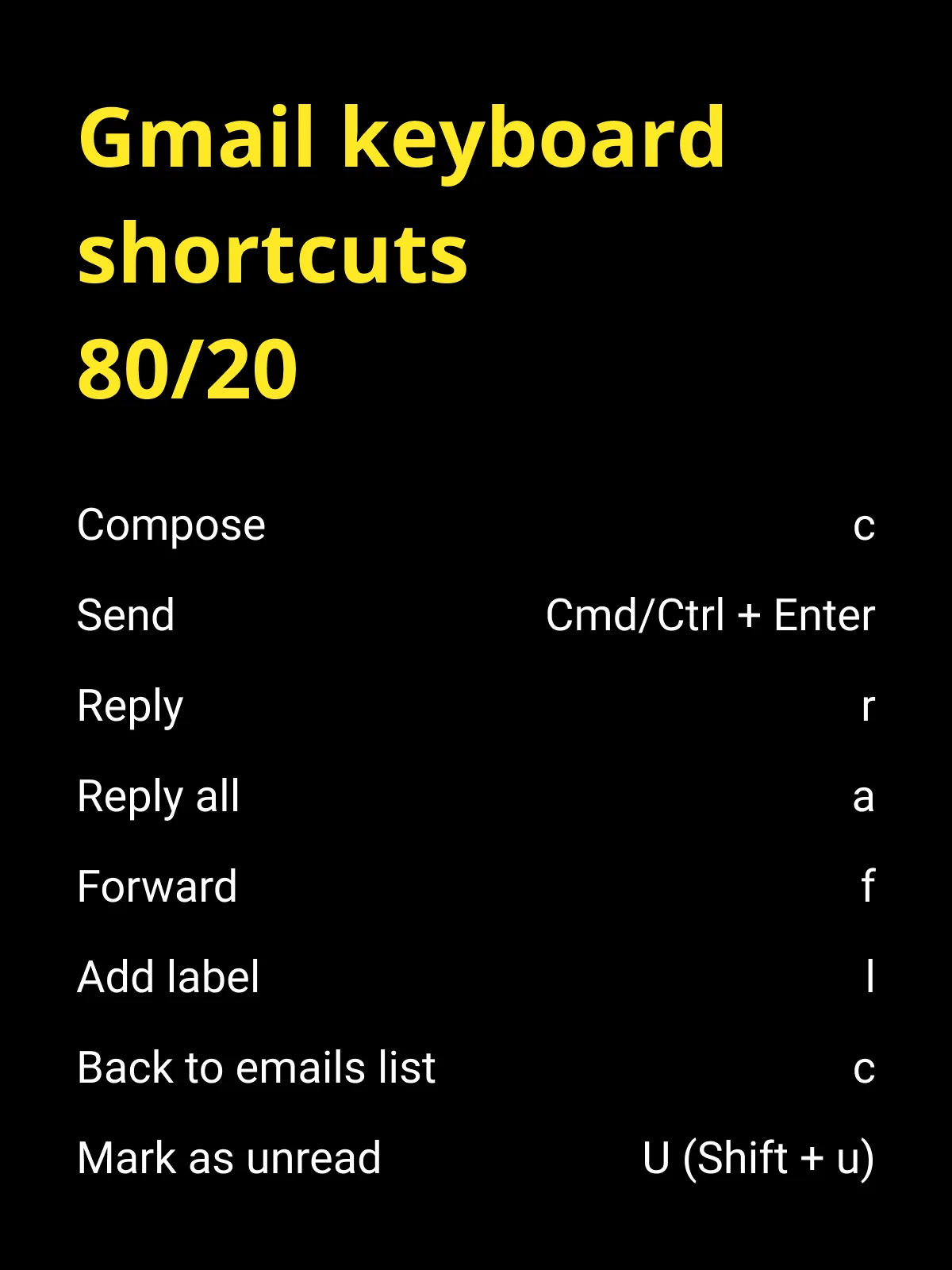
Image version if you prefer to save it on your computer for quick referencing
You’ll start to see improvements in your workflow almost immediately after adopting keyboard shortcuts.
And once you get used to using shortcuts (perhaps in a day or two), there's no going back.
Here's Google's official support document on how you can turn on Gmail's keyboard shortcuts - Keyboard shortcuts for Gmail
📖 Continue Reading
By the way, I teach a course on how to grow your startup using Programmatic SEO.
My course is a methodical and data-driven approach to finding keywords, understanding user intent and creating dozens or hundreds of pages of content.
Learn how to apply this framework to your business, whether it's ecommerce, SaaS, or even a side project and grow your business using Google Search Traffic and LLM AI Citations. No prior SEO knowledge required.